Direct link to the Github repo
In a nutshell: there’s a new critical Linux bug going around
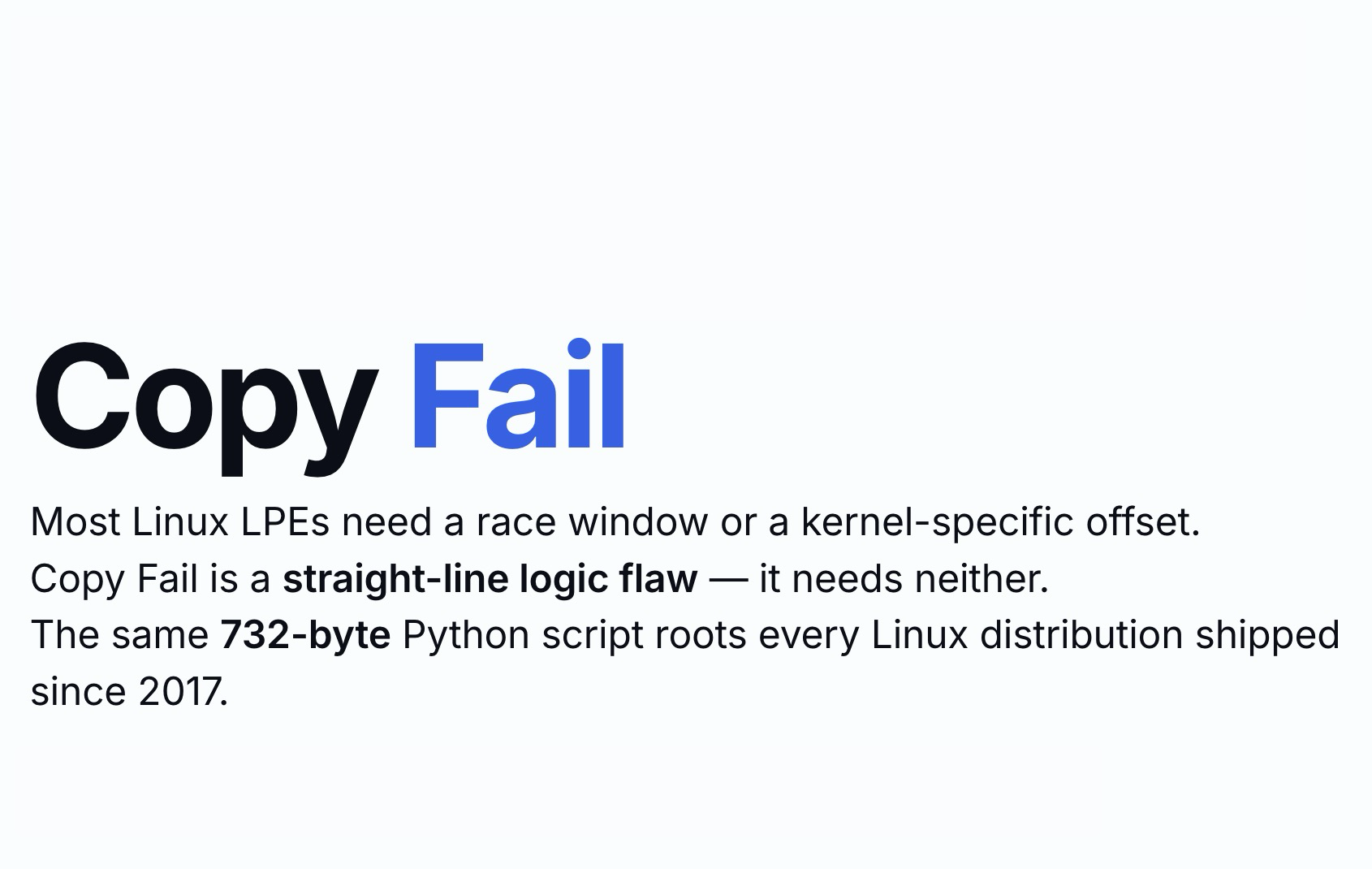
‘Copy Fail’ is a new and nasty local privilege escalation bug, CVE-2026-31431, discovered by the analyst team at Xint Code.
This bug essentially allows an attacker to gain root privileges on many Linux operating systems (Ubuntu, Debian, RHEL, Suse, Alma, Amazon Linux) using a Python script of just 732 bytes.
‘Copy Fail’ only requires a local unprivileged user account: no network access, no kernel debug capabilities, no pre-installed libraries. The kernel’s cryptographic API (AF_ALG) is enabled by default on virtually all major distributions, meaning the entire patch range from 2017 onward is vulnerable.
Understanding the ‘Copy Fail’ vulnerability
In simple terms, imagine the Linux kernel keeping a copy of files in memory to avoid reading from disk every time — the so-called page cache. This cache is normally used to speed up certain kernel operations. All good.
Then, however, algif_aead comes into play — one of the Linux kernel modules that exposes the cryptographic subsystem to userspace via the AF_ALG interface. In plain English? An API for cryptographic services, used for example in protocols like IPsec.
Back in 2017, this kernel module was modified to make it more “efficient.” It was essentially told: “Instead of making a copy of the document (the file) you need to work on, write directly onto the original that the kernel passes you in the page cache” — thanks to a system call named splice() that passes data by reference instead of copying it.
This in-place optimization is the root of the problem, because it allowed a user to write data where they absolutely should not have been able to.
And what data can an attacker write? They can overwrite a small portion of /usr/bin/su to make it possible to run su and become the root user.
The ‘ghost’ aspect
One of the most insidious things about this vulnerability is that the modification only happens in RAM. The file on disk remains untouched.
This means all classic file integrity monitoring systems (such as Tripwire, AIDE, Wazuh, etc.) see nothing unusual. This is extremely dangerous because it leaves no traces on disk.
Container escape
Earlier we mentioned the page cache — that portion of memory used to speed up kernel operations. Well, the page cache is shared across all containers on the same host (Podman, Docker, Kubernetes, etc.).
This means that a vulnerable container, or one infected through a supply chain attack, can perform container escape in a frighteningly simple way.
The Ansible playbook for immediate mitigation
Drawing inspiration from the Morrolinux KB and this Github gist by user m3nu, I created an Ansible playbook available at copy-fail-CVE-2026-31431-mitigation-ansible-playbook that allows you to apply the mitigation and roll it back after a kernel update.
tasks:
  - name: Apply Mitigation
    tags: [mitigation]
    when: not (rollback | bool)
    block:
      # --- Debian family modprobe blacklist + unload ---
      - name: Apply modprobe blacklist (Debian family)
        when: ansible_facts['os_family'] == 'Debian'
        block:
          - name: Create modprobe blacklist for {{ target_module }}
            ansible.builtin.copy:
              dest: "{{ modprobe_conf_path }}"
              content: |
                # Generated by Ansible — CVE-2026-31431 mitigation
                install {{ target_module }} /bin/false
              owner: root
              group: root
              mode: "0644"

          - name: Unload module {{ target_module }} if currently loaded
            community.general.modprobe:
              name: "{{ target_module }}"
              state: absent
            register: rmmod_result
            failed_when:
              - rmmod_result is failed
              - >-
                'not currently loaded' not in (rmmod_result.msg | default(''))
                and 'not currently loaded' not in (rmmod_result.stderr | default(''))
              - >-
                'is in use' not in (rmmod_result.msg | default(''))
                and 'is in use' not in (rmmod_result.stderr | default(''))

          - name: Remind operator to reboot if module was in use (Debian)
            when: >-
              'is in use' in (rmmod_result.msg | default(''))
              or 'is in use' in (rmmod_result.stderr | default(''))
            ansible.builtin.debug:
              msg: "REMINDER: Module was in use and could not be unloaded. Reboot required to complete mitigation."

      # --- kernel initcall blacklist (RHEL/Alma 9 and 10 only) ---
      - name: Apply kernel initcall blacklist (Red Hat family)
        when:
          - ansible_facts['os_family'] == 'RedHat'
          - ansible_facts['distribution_major_version'] in ['9', '10']
        block:
          - name: Check current grubby kernel args (pre-change)
            ansible.builtin.command: "grubby --info=ALL"
            register: grubby_info_pre
            changed_when: false
            check_mode: false

          - name: Add '{{ target_kernel_arg }}' to all kernels via grubby
            ansible.builtin.command:
              cmd: "grubby --update-kernel=ALL --args='{{ target_kernel_arg }}'"
            register: grubby_add_result
            changed_when: target_kernel_arg not in grubby_info_pre.stdout

          - name: Remind operator to reboot (RHEL)
            when: grubby_add_result.changed
            ansible.builtin.debug:
              msg: "REMINDER: Kernel args changed. Reboot required to activate mitigation."
Breaking down the playbook
The playbook is compatible with RHEL-based (CentOS, Rocky, Alma) and Debian-based (Ubuntu and Mint) operating systems.
By default, it uses the serial function to run the playbook on a limited number of hosts at a time — 25% by default. For example, with 100 hosts in the inventory, the mitigation will be applied to 25 hosts in the first batch, 25 in the second, and so on.
The max_fail_percentage function tolerates an error rate of 20%. For example, if there are 25 hosts in a batch and 6 or more fail, the job will be aborted.
The Pre Task displays some information about the operating system and kernel for each host and collects data about the system’s current state.
The Task for Debian-based distributions disables the kernel module and blacklists it; if the module is in use, it reminds the user to reboot the system.
For RHEL-based distributions, it uses the grubby command to disable the module and always reminds the user to reboot.
The Post Task collects additional information and presents the user with a summary of the actions performed.
How to run it
First, you need to prepare the Ansible configuration file and inventory as you would for any Ansible playbook. Then run a ping to check server reachability.
Finally, use ansible-playbook mitigation-playbook.yaml to run the mitigation on all servers, or use the --limit webservers option to restrict the playbook to a specific group of hosts.
For rollback, same as above, but use the --tags rollback option to run only the rollback tasks.
Verifying that the mitigation works
After running the playbook, you need to verify that the mitigation took effect. To do so, use these two methods depending on your hosts’ distribution:
- On Debian-based distributions, use
lsmod | grep algif_aead. - On RHEL-based distributions, use
grep initcall_blacklist /proc/cmdline.
My take: one more step for containers
Personally, my opinion is that stopping at host-level configuration is not enough if you’re running containers. Since containers share the host machine’s kernel, a reboot or a configuration error that accidentally reloads the vulnerable module would leave your workloads exposed again.
We know this exploit needs to open an AF_ALG family socket in order to communicate with the kernel’s Crypto API. For this reason, I strongly recommend implementing a “defense in depth” approach using seccomp. If you configure a custom profile for your container runtime, you can tell the system to block socket syscalls targeting AF_ALG altogether. This way, even if the algif_aead module were to magically reactivate on the host, the kernel will cut off any attempt by the container to exploit it.
An example seccomp policy:
{
  "defaultAction": "SCMP_ACT_ALLOW",
  "syscalls": [
    {
      "names": ["socket"],
      "action": "SCMP_ACT_ERRNO",
      "args": [
        {
          "index": 0,
          "value": 38,
          "op": "SCMP_CMP_EQ"
        }
      ],
      "comment": "Block AF_ALG sockets (family 38) to mitigate Copy Fail"
    }
  ]
}
Stay vigilant!
And that brings us to the end. There’s one fundamental point I want to make clear: the Ansible and modprobe-based solution we just covered is an excellent short-term fix to protect yourself immediately, but remember that it is not a permanent cure.
My personal opinion is that security workarounds should never be left sitting forgotten on servers collecting dust. Keep an eye on the security bulletins from your vendors (whether that’s Canonical, Red Hat, SUSE, or others). As soon as they release updated kernel packages with the official patch for CVE-2026-31431, schedule the installation and a proper reboot of your machines. Once your systems have the patched kernel, you can clean up and remove the files created by this playbook.
I hope this guide saved you a few headaches! If you have any doubts, questions, or want to share how you’re handling this CVE in your environments, feel free to reach out on LinkedIn or, if you need personalized consulting, you can book a call in the footer of this page.